
The starting point
Choose around the way the light should be used. A smart switch can keep a familiar wall control, a smart bulb can add control to an individual lamp, and a smart plug can suit a compatible plug-in light. The exact light, load and ecosystem determine what will work.
Start with the job you want done
Smart switch
- Useful question
- Should a whole lighting circuit keep a familiar wall control?
- Check first
- Wiring, load compatibility, control locations and required hubs.
Smart bulb
- Useful question
- Should one lamp have its own color or brightness settings?
- Check first
- Power availability, bulb fit and how the physical switch is used.
Smart plug
- Useful question
- Does a compatible plug-in lamp only need on/off scheduling?
- Check first
- Device ratings, lamp behavior after power returns and location suitability.
Begin with one everyday action
“Turn the kitchen down after dinner” is a clearer goal than “make the whole house smart.” Decide who uses the light and whether they should need a phone. A bedroom lamp, under-cabinet LED run and porch light may call for different solutions even if they appear in the same app. Share the actual routine with Maz before selecting products.
Keep power and control compatible
Smart bulbs generally need the power arrangement their manufacturer specifies to remain available to the app. An ordinary wall switch may interrupt that connection. A smart lighting dimmer is not automatically a suitable partner for a smart bulb; use the exact manufacturers’ compatibility guidance. Integrated LED fittings and strip-light drivers need their own checks. Layering products without a plan can make simple lighting harder to use.
Choose the ecosystem by exact model
List whether you use Apple Home, Google Home or Amazon Alexa, together with the hubs or speakers already owned. Check the exact accessory model, required bridge and supported features. Matter support does not mean that every feature appears identically in every app. If several people use different phones, decide how shared access and physical control will work before setup.
Separate setup from electrical changes
A plug-in accessory, a wall-control replacement and new wiring are different scopes. Maz can discuss the arrangement, product compatibility and everyday setup; the actual electrical work must have the appropriate qualifications and approvals. Do not open switch boxes just to produce a quote photo. Start with the visible control, light model and a description of how many places operate it.
Test the household experience
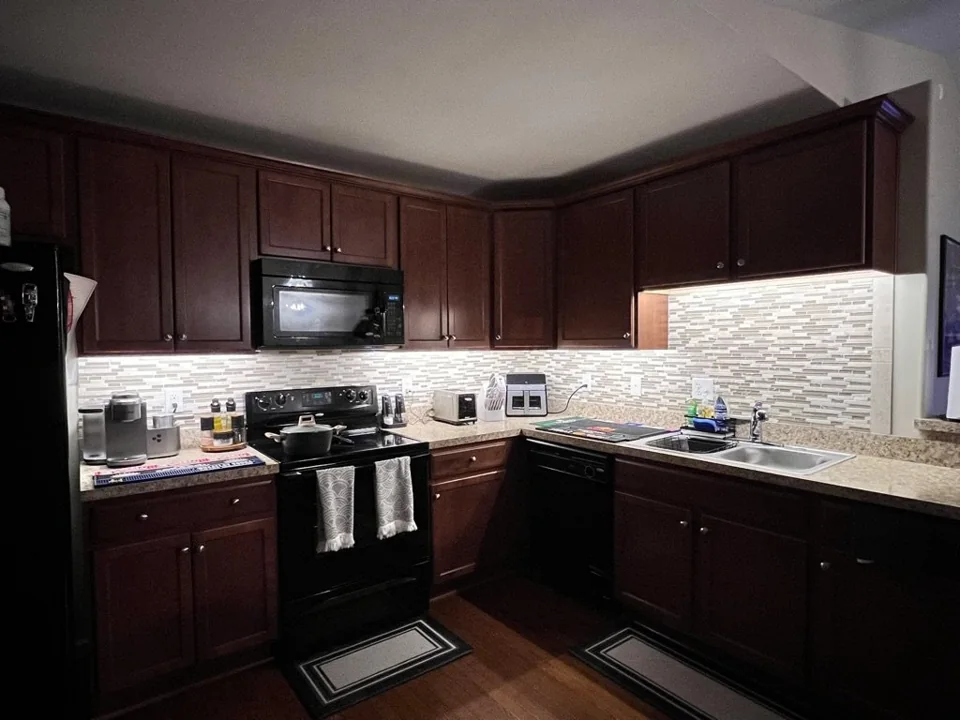
Include turning the light on at the wall, adjusting it in the app, changing the schedule and using it without one particular person’s phone. Ask what remains available during an internet or network interruption. FIXABL’s cabinet-lighting project shows a smart switch as part of a complete lighting detail; the useful result is the light and its control working well together.
Questions before you begin
Do I need smart bulbs with a smart switch?
Not necessarily. Many smart switches are designed to control compatible conventional lights. Check the exact switch and bulb guidance before combining smart products.
Does Matter remove the need for a hub?
No blanket rule applies. Requirements depend on the device, network technology, platform and features. Check the product’s current setup requirements.
Bring these to the conversation
- The routine you want to simplify
- Light and control model names
- Apple Home, Google Home or Alexa equipment
- Who needs access and how
- Whether wiring or only account setup is involved
Useful sources
Lutron: LED bulb and dimmer compatibilityConnectivity Standards Alliance: Matter questionsApple: pairing and managing Matter accessoriesGoogle Home: compatible devices and MatterAmazon: Matter support and compatible Alexa devicesSource information checked October 28, 2026. Use the official source for current requirements and product details.
Planning information from FIXABL for homeowners in Richmond, Midlothian and Chesterfield County. The approach, qualifications and approvals needed for your home depend on the specific work and an assessment.