
The starting point
Apple announced HomeView on October 13, 2026, with availability beginning November 13. Use the time before setup to review your intended location, power access, existing Apple Home accessories and household controls. Discuss the exact product and scope with Maz before booking.
Start with what you want the screen to do
Decide whether the priority is controlling lights, seeing useful household information or keeping a shared screen within reach. Choose a room where those actions will actually happen. List your existing lights, cameras, doorbell and thermostat by model. A new control screen should fit the devices and routines you want to keep, so start with that inventory rather than a new shopping list.
Choose placement before choosing an installation
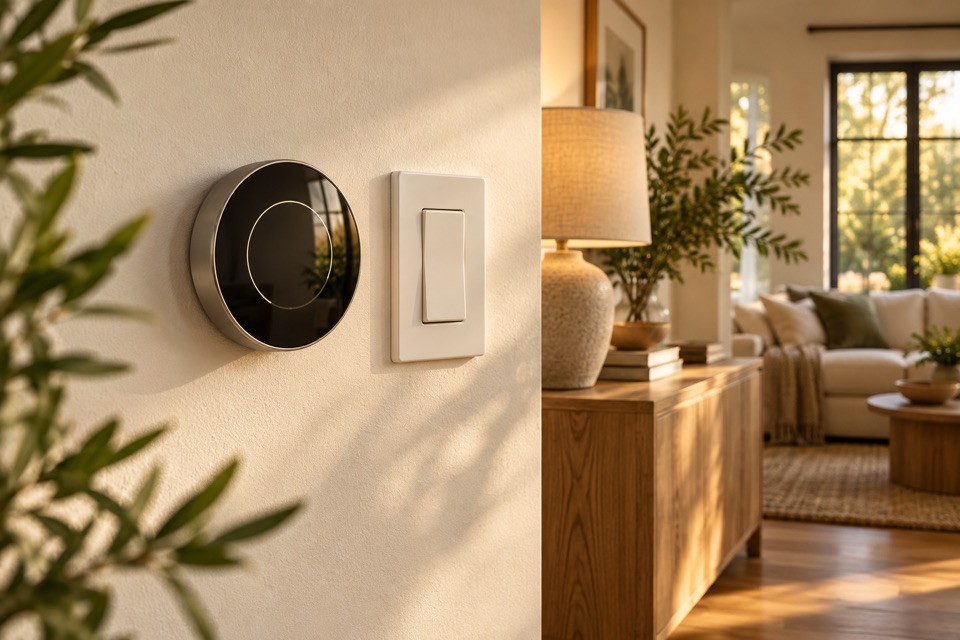
Apple announced tabletop and wall-mounted versions. Consider who needs to see or reach the display, nearby glare, usable counter space and access to power. For a wall location, send a wide photograph and a close-up of the proposed position. The selected product, mounting hardware, wall construction and cable route need to be assessed together. Any electrical changes are a separate part of the scope and must meet the requirements for the actual work.
Review Apple Home compatibility device by device
Check the exact accessories you want to control in Apple Home, including their supported features and any hub or software requirements. Matter can help compatible devices work across platforms, but the logo alone does not establish that every feature you want is supported. Share the manufacturer’s model links and the Apple equipment already in your household. Keep current, working devices in the conversation before deciding what to replace.
Keep shared access and privacy understandable
Decide who should use household controls and which personal features each person wants to configure. Keep ownership of the Apple accounts and enter passwords yourself during any arranged setup. Ask for a walkthrough of the controls you expect to use every day, including how to change a room name or lighting routine. Review Apple’s current setup guidance and account requirements when the device arrives.
Talk through a Richmond-area plan with Maz
Send your ZIP code in Richmond, Midlothian or Chesterfield County, your selected HomeView version, device list and photographs of the intended location. Maz can review the practical setup and discuss whether the proposed work fits FIXABL’s scope. This is planning information ahead of the announced release, not a record of a completed HomeView installation. Product availability, features and installation requirements should be checked against Apple’s current information before work is agreed.
Bring these to the conversation
- Selected HomeView version and manufacturer links
- Photos of the location and existing power access
- Exact models of accessories you want to control
- ZIP code, household needs and preferred timing
Useful sources
Apple: HomeView announcement, October 13, 2026Apple: pairing and managing Matter accessoriesSource information checked October 23, 2026. Use the official source for current requirements and product details.
Planning information from FIXABL for homeowners in Richmond, Midlothian and Chesterfield County. The approach, qualifications and approvals needed for your home depend on the specific work and an assessment.